


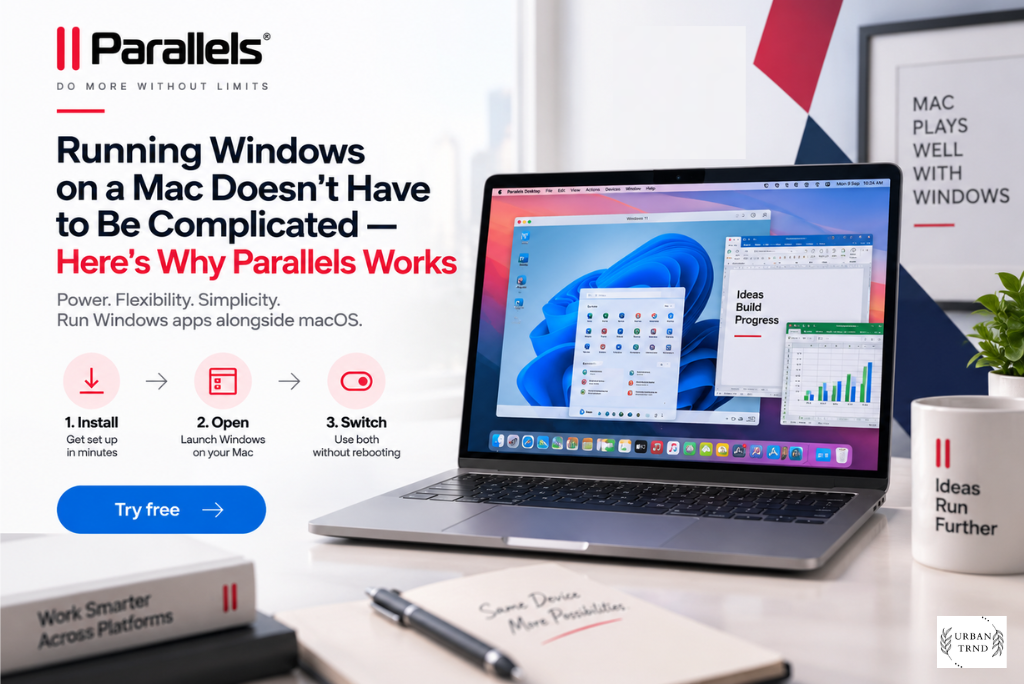
There’s a particular kind of frustration that comes with owning a Mac and needing just one Windows thing to work — a client’s file that only opens properly in Windows Excel, a piece of software your school or office swears by, an old game you can’t bear to give up. Most people either buy a second machine they barely use or just give up entirely. Parallels solves that problem cleanly, and browsing through parallels.com makes it pretty obvious how much thought has gone into covering every kind of user, not just the technical crowd.
What You’ll Actually Find on the Site
The product lineup is organized in a way that makes sense the moment you land on the page. There’s Parallels Desktop for anyone who wants Windows running on their Mac. There’s Parallels Toolbox for people who just want their Mac to do more without cluttering it up with random apps. And then there’s the business side of things — Parallels RAS and Parallels Client — aimed at companies that need to deliver desktops and applications to employees remotely, securely, and without a nightmare of individual machine setups. It’s not an overwhelming catalog either. You’re not scrolling through fifty half-related products trying to figure out what you actually need. Everything on the site points toward one of these three directions, which makes shopping genuinely quick.
The Core Reason People Buy Parallels Desktop


At its heart, Parallels Desktop lets your Mac run an entire second operating system as a virtual machine, and it does it without the sluggishness people sometimes expect from virtualization software. You can run Windows in its own separate window like a regular app, or switch to Coherence mode so Windows programs blend right into your Mac desktop and behave like they were always meant to be there. For anyone doing cross-platform testing, this alone is worth the price, since you can flip between operating systems in seconds instead of restarting a physical machine every time.
It also genuinely respects how Macs work today. Apple moved to its own Silicon chips a while back, and a lot of older virtualization tools never quite caught up properly. Parallels did, and it shows — Windows runs smoothly on M-series Macs, games render properly, and resource-heavy apps don’t choke the way they used to on other solutions. That’s a big reason people who tried virtualization years ago and gave up on it are coming back now.
Choosing Between Standard, Pro, and Business
One thing worth appreciating is that Parallels doesn’t try to sell everyone the most expensive tier just because it exists. Standard Edition is aimed squarely at home users — people who need Windows occasionally, maybe for one stubborn app or an old favorite game, and don’t need heavy-duty processing power behind it. Pro Edition is where things get serious, built for developers, designers, and anyone juggling multiple virtual machines or graphics-intensive software at once. It comes with a command line interface, built-in developer tools, and considerably more virtual memory and processing power per machine, which matters a lot if you’re compiling code or running design software that eats resources for breakfast.
Business Edition takes things further again, adding centralized license management and deployment tools so an IT team can roll out and manage Parallels across dozens or hundreds of employees without touching each machine by hand. It’s a natural next step for any company that’s already decided Macs are part of its hardware lineup but still needs Windows compatibility somewhere in the mix.
Toolbox Deserves More Attention Than It Gets
A lot of people buy Parallels Desktop and only discover Toolbox afterward, almost by accident, and end up wondering why they didn’t know about it sooner. It’s a single app that replaces the need for a pile of separate little tools — screen recording, file format conversion, duplicate file finding, memory cleanup, download management, all sitting under one roof with one consistent interface. If you’ve ever downloaded some random free utility off the internet just to convert one file, Toolbox quietly replaces that entire habit. For subscribers to eligible Parallels Desktop plans, it often comes included, which makes it feel less like an upsell and more like a genuinely thoughtful bonus.
For Businesses: RAS and Remote Access
If you’re shopping on behalf of a company rather than for personal use, Parallels RAS is where you’ll want to spend your time. It lets organizations deliver full virtual desktops and specific applications to employees on whatever device they’re using, whether that’s a laptop, a Chromebook, or something else entirely, and it works across on-premises setups as well as cloud platforms like Azure. Combined with Parallels Client, which gives end users a smooth, secure way to connect into that environment, it becomes a genuinely practical alternative to handing every employee a company laptop and hoping IT can keep it all managed and secure.
It’s the kind of product that doesn’t get talked about much outside IT circles, but for a business trying to support hybrid or remote teams without a security headache, it’s worth exploring properly rather than skimming past.
What People Keep Coming Back For
Ask around and Pro Edition tends to be the one most frequently mentioned as the sweet spot — enough power for serious work without paying for enterprise-level management features a solo user or small team doesn’t need. Standard Edition still pulls in plenty of buyers too, mostly people with lighter, occasional Windows needs who don’t want to overpay for capability they’ll never use. And Toolbox, almost by stealth, ends up being one of the more consistently used tools among people who own it, even though it’s rarely the reason someone visits the site in the first place.
Don’t Skip the Current Offers


Before checking out, it’s worth actually glancing at what promotions are running, since Parallels regularly bundles products together at a combined price that beats buying them separately. Seasonal sales show up around the usual shopping periods throughout the year, and if you’ve owned a previous version of Parallels Desktop, there’s discounted upgrade pricing waiting for you rather than being charged as if you’re a brand-new customer. Students and people in education tend to have access to reduced licensing too, which can make a real difference if cost has been the thing holding you back. None of these deals are hidden away either — they’re sitting right there on the site, so there’s really no reason to pay full price without at least checking first.
Buying Direct Actually Matters Here
With software like this, buying straight from parallels.com isn’t just a formality — it genuinely changes the experience. You get the current, fully supported version rather than something outdated from a reseller, proper access to customer support if something goes sideways, and a real trial period to actually test everything on your own Mac before spending anything. Considering this software is essentially running your entire second operating system, that level of confidence before committing is worth quite a lot.
Final Thoughts
Whether the goal is running one Windows app without buying a second computer, developing and testing software across multiple systems at once, or giving an entire remote team secure access to company tools, Parallels has built a product around that exact need. Take a proper look through parallels.com, compare the editions against how you’ll actually use it, and check what’s currently on offer before buying. It’s one of the simplest ways to stop letting your operating system limit what your Mac can actually do.